Texture Maker
July 13, 2026 Nico
Nico
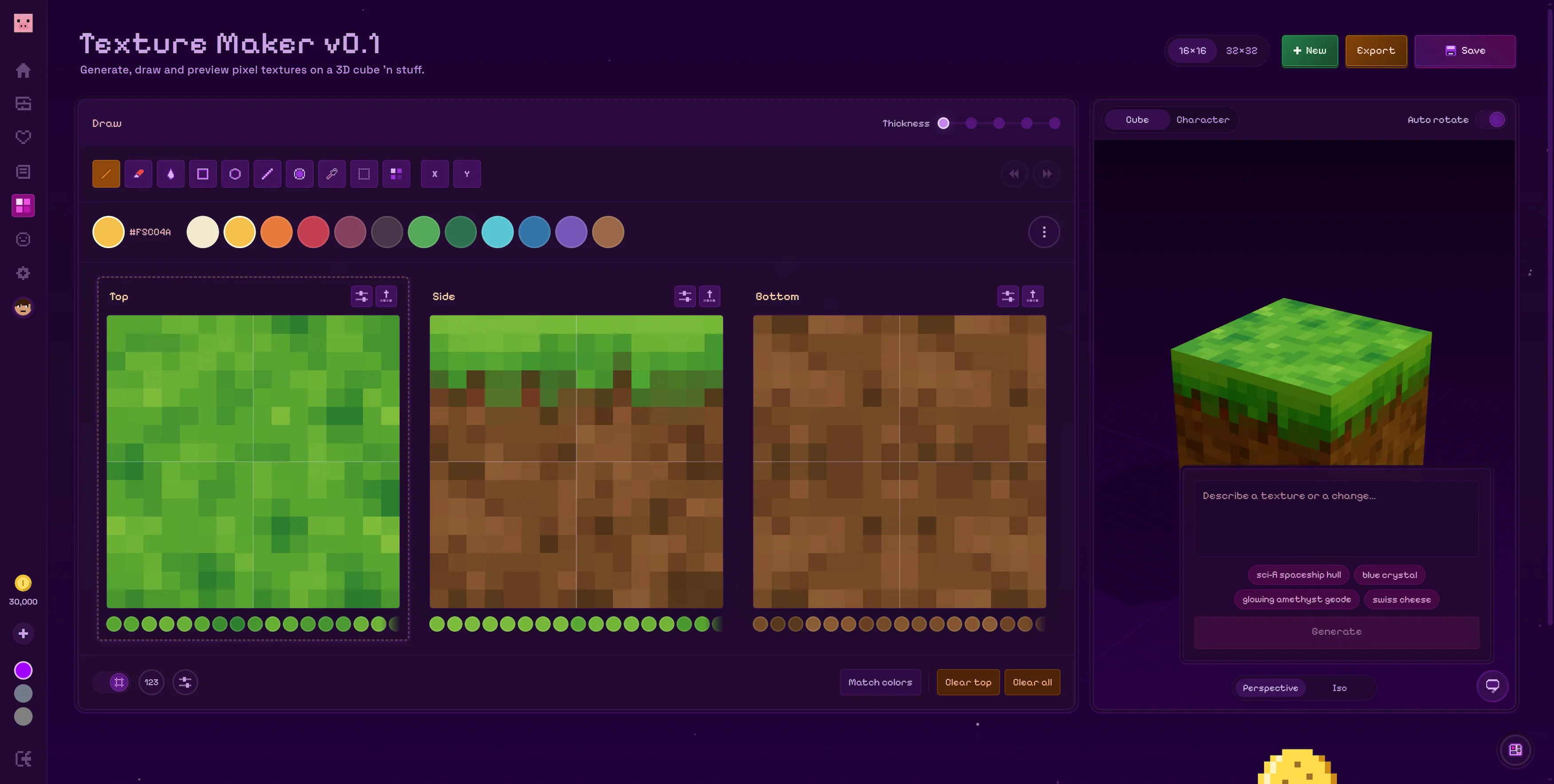
A new Texture Maker has been added to Flatblox. You can use it to create pixel textures for every side of a block and preview everything together in 3D as you work.
Draw every side of your block
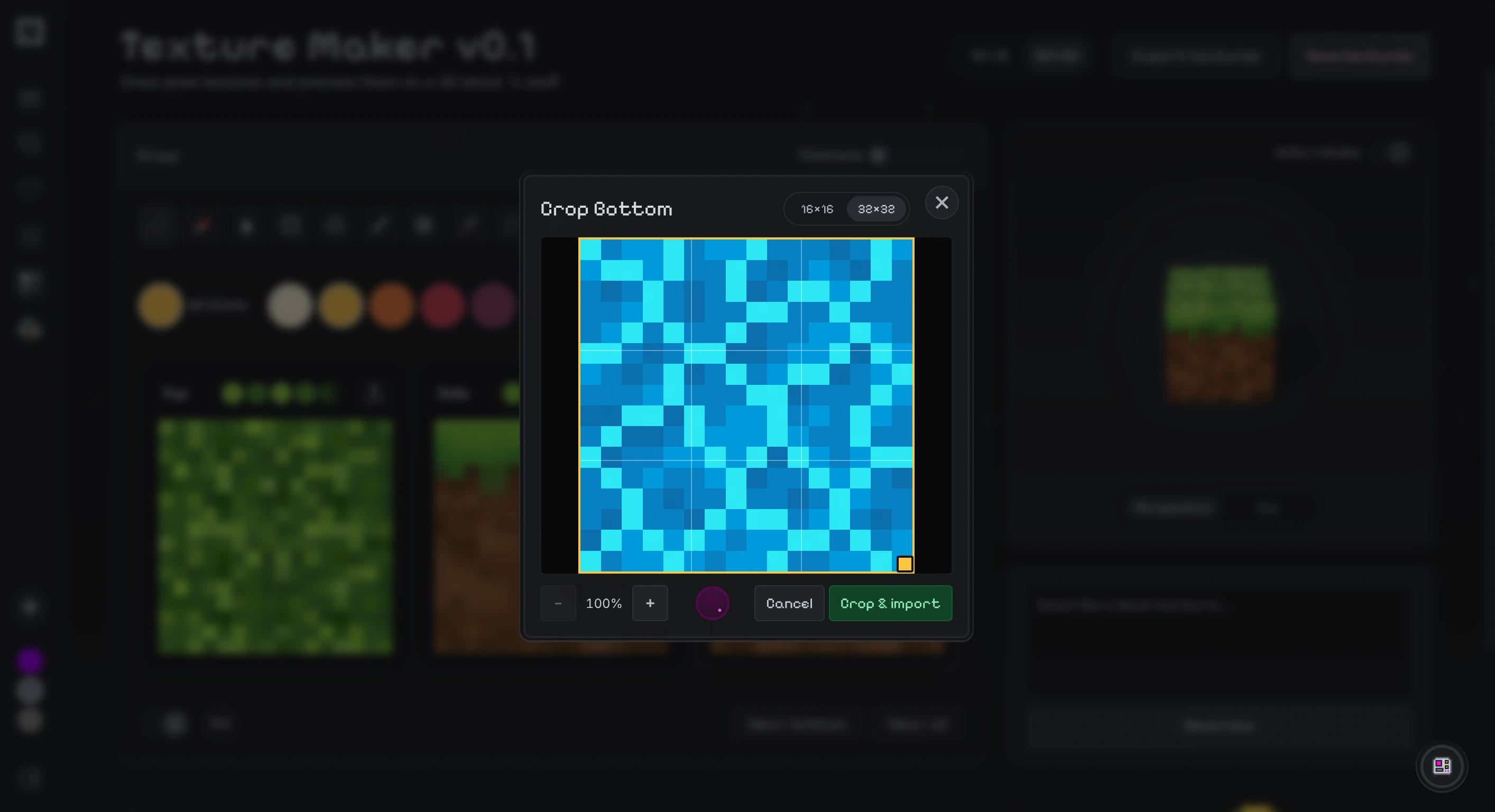
The editor gives you separate canvases for the top, side and bottom of your block. Draw at 16×16 or 32×32 using the pencil, fill, shapes, selection and stamp tools. You can also import an image, crop it and adjust its sharpness before making any final edits by hand.
Generate textures
If you need a place to start, select a block face and describe the texture you want. The Texture Maker will generate an image for that side, which you can then crop and edit on the pixel grid. You can generate each face separately, so the top, sides and bottom can all have their own look.
Preview everything in 3D
Every change appears on the 3D block preview right away. Rotate it to inspect each side, turn on auto rotate, or switch between perspective and isometric cameras to see how the finished texture will look.
Use your textures in the app
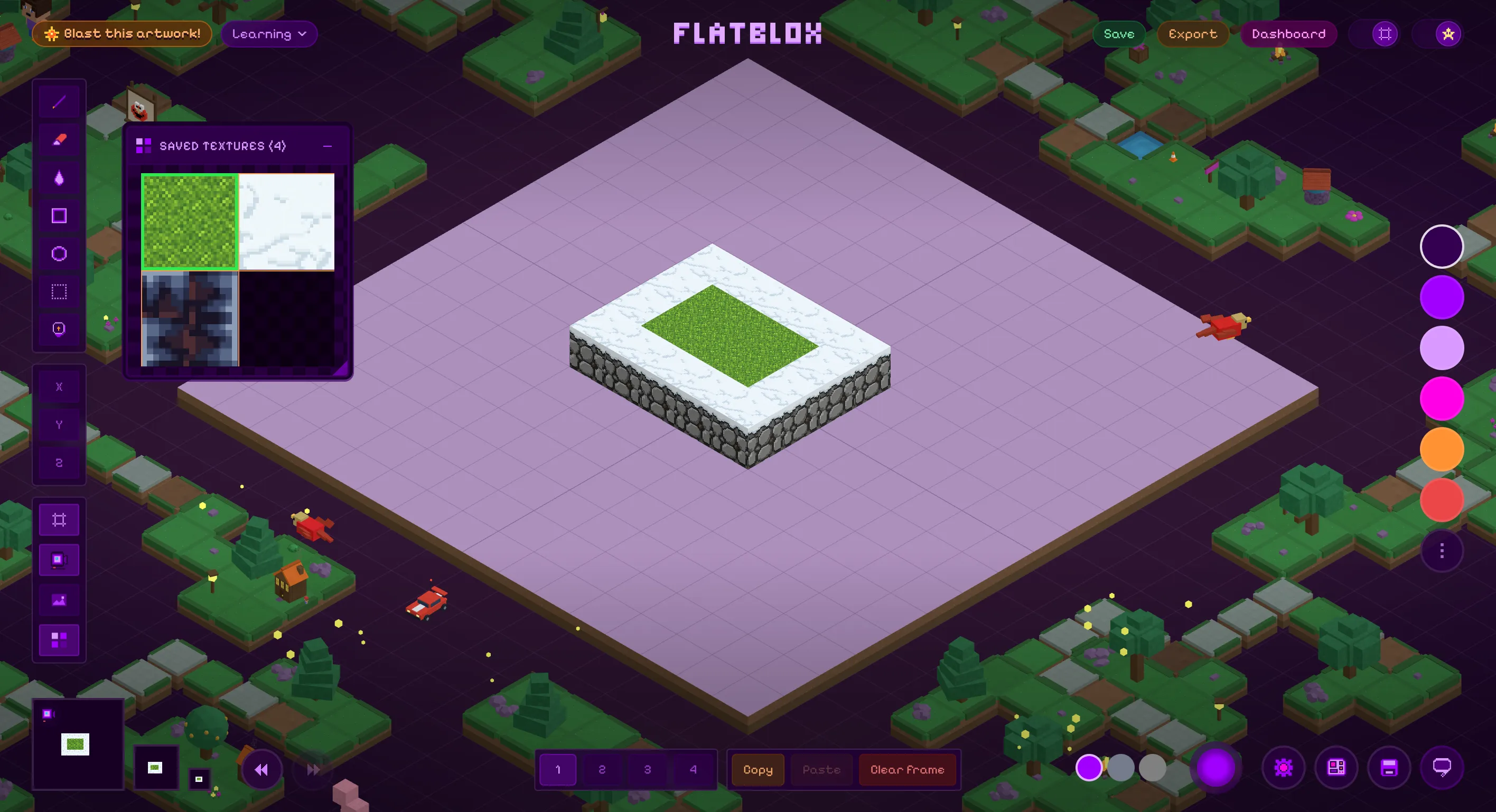
Save a texture in the Texture Maker and it will appear in the Textures panel inside the Flatblox app. Select one to stamp textured blocks directly onto the center artboard. The top, side and bottom designs are preserved in 3D, and textured artwork also works with Blast Your Artwork!
Export your textures
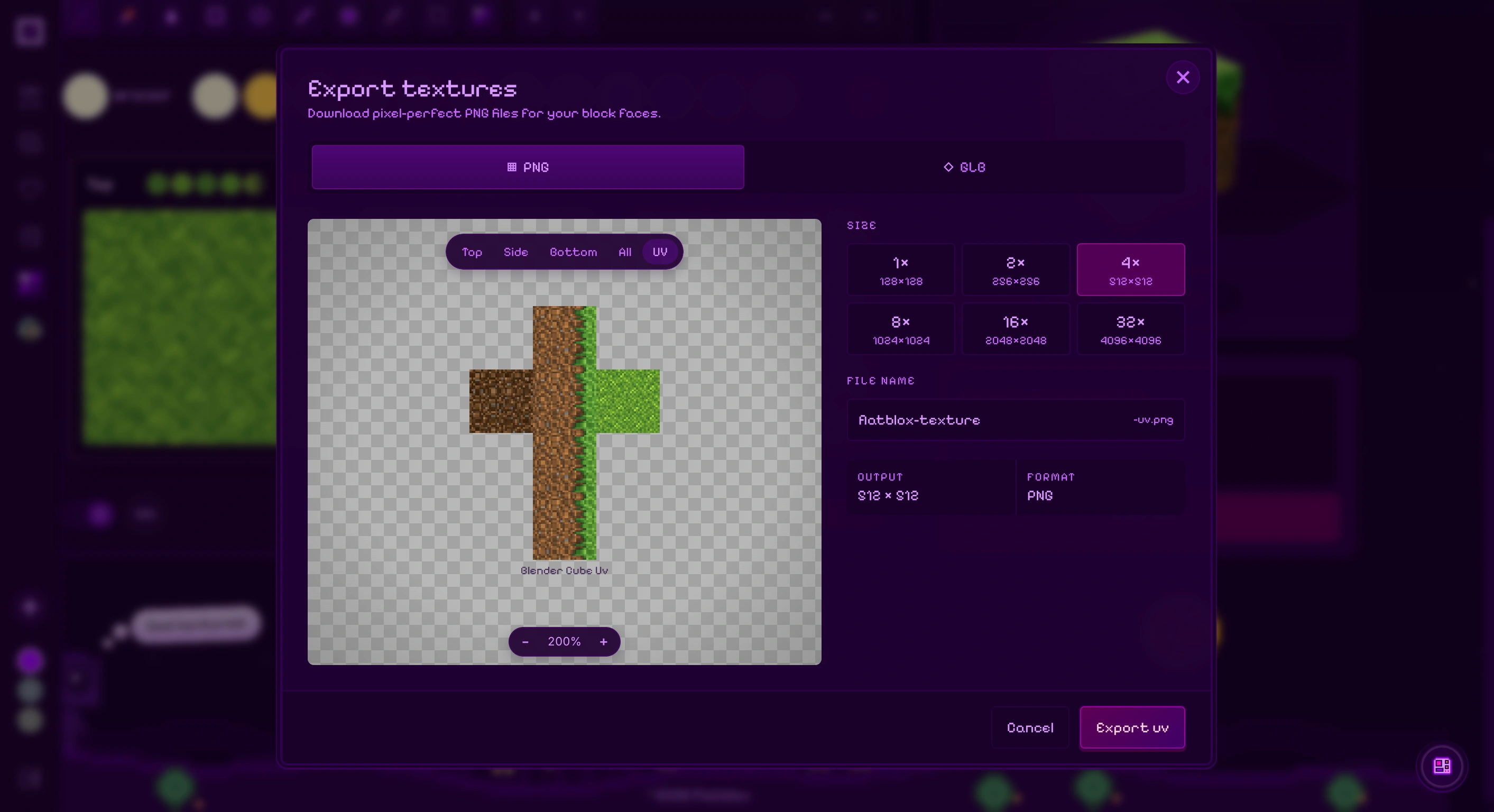
When you're done, export the top, side and bottom as pixel-perfect PNG files, combine them into a Blender-ready UV map, or download the whole textured block as a GLB model.