Export to Figma and Blender
Pixel art in 2D, instantly in 3D
A magical world where you create pixel art, voxel models, animated characters and block textures
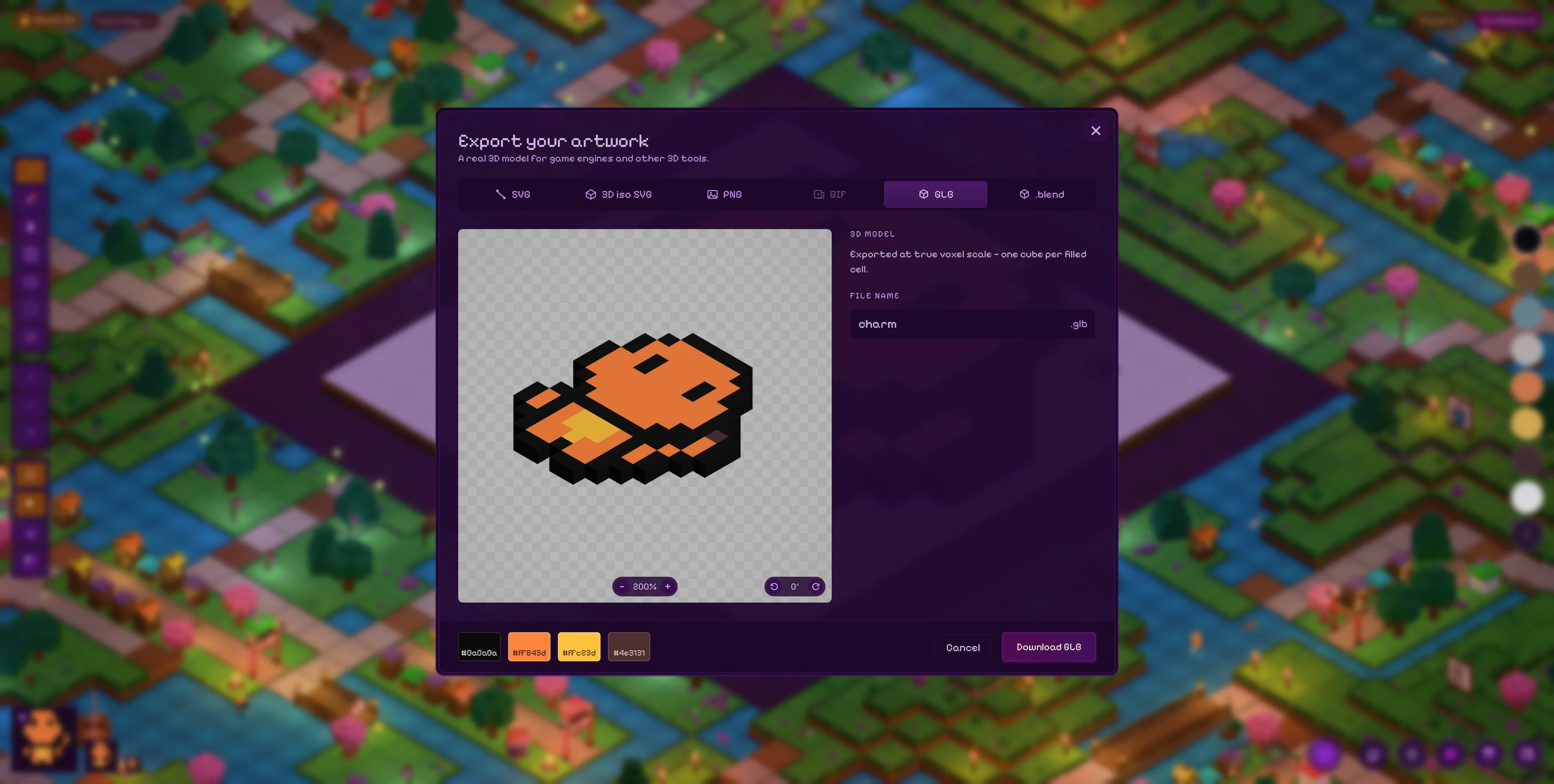
From pixels to voxels
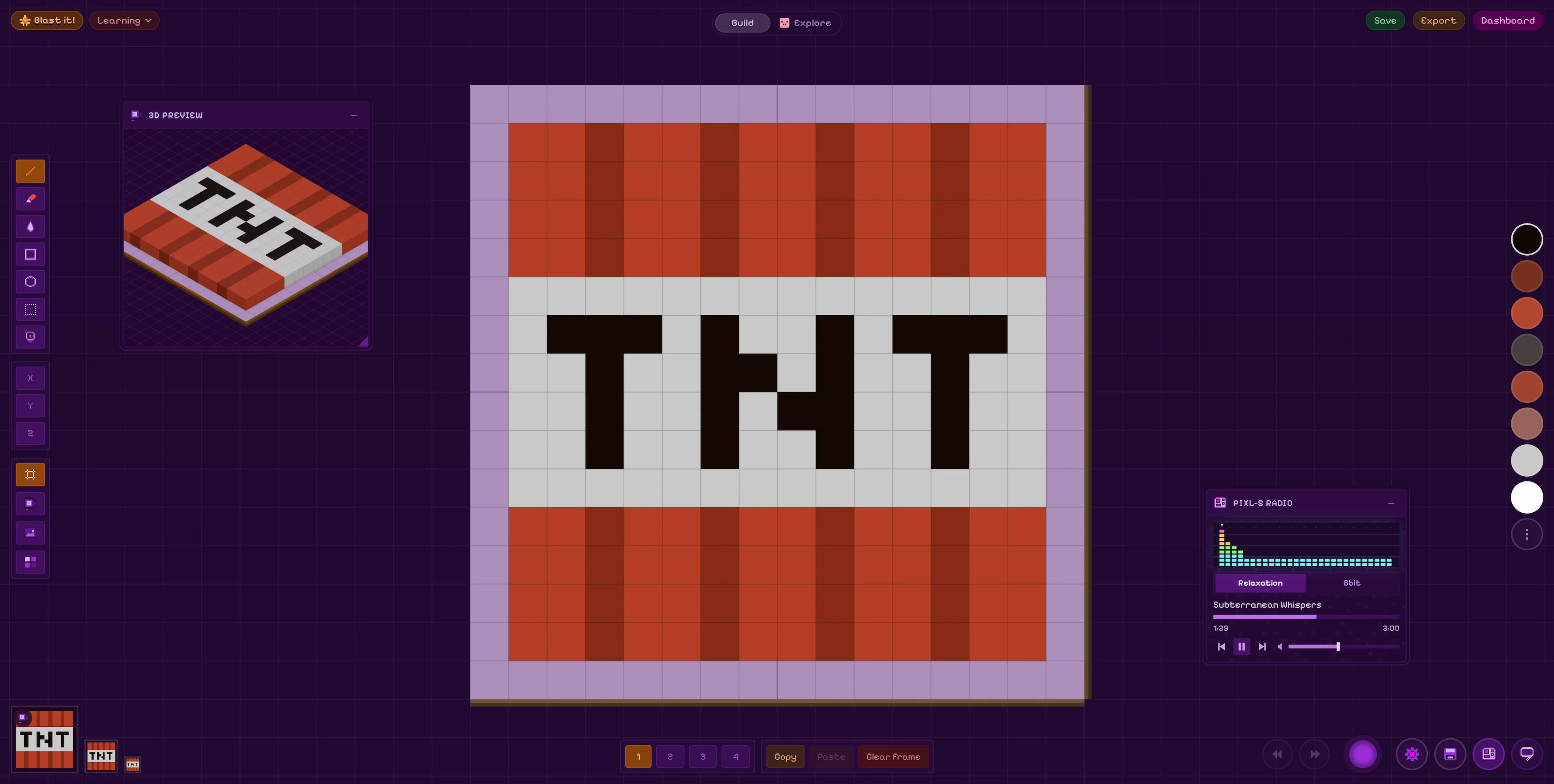
Draw pixels & voxels
Lay down pixels & voxels on 16, 32 or 64 2D and 3D grids. Animate up to 4 frames and overlay a reference image directly onto your artboard.
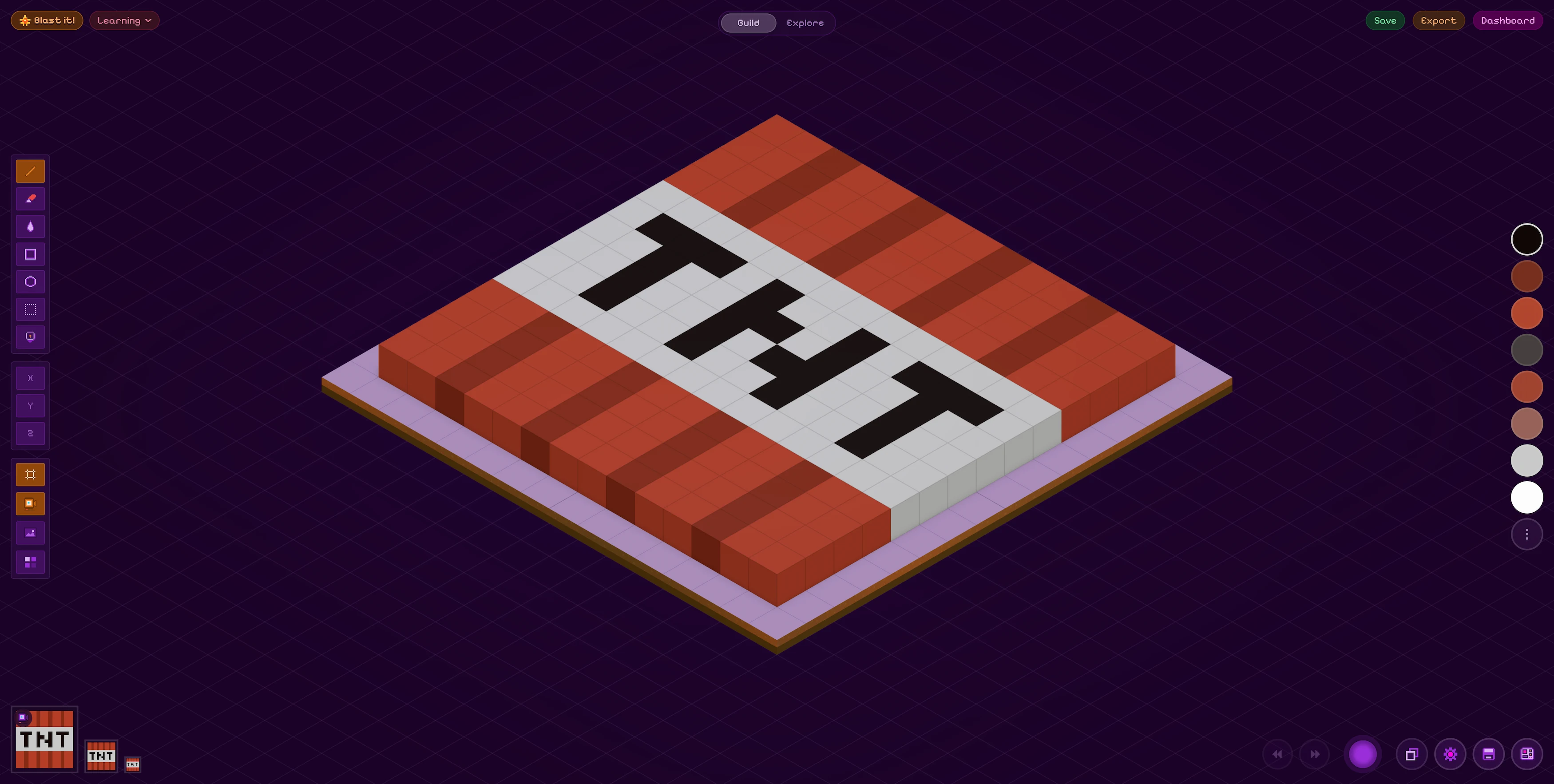
See your art in 3D
Every pixel instantly becomes a voxel. Extrude up to 4 blocks deep. Orbit the camera and lock in the angle you want.
Take it anywhere
Export to Figma, Blender, or as GIF/PNG/SVG. Drop pieces into design files, game engines or shader pipelines.
Make pixel art without leaving your terminal
Open local files, draw with keyboard controls or sign in to keep working on your saved Flatblox artwork.
- Keyboard-first editing
- Local & cloud artwork
- macOS, Windows & Linux
npx flatblox-tui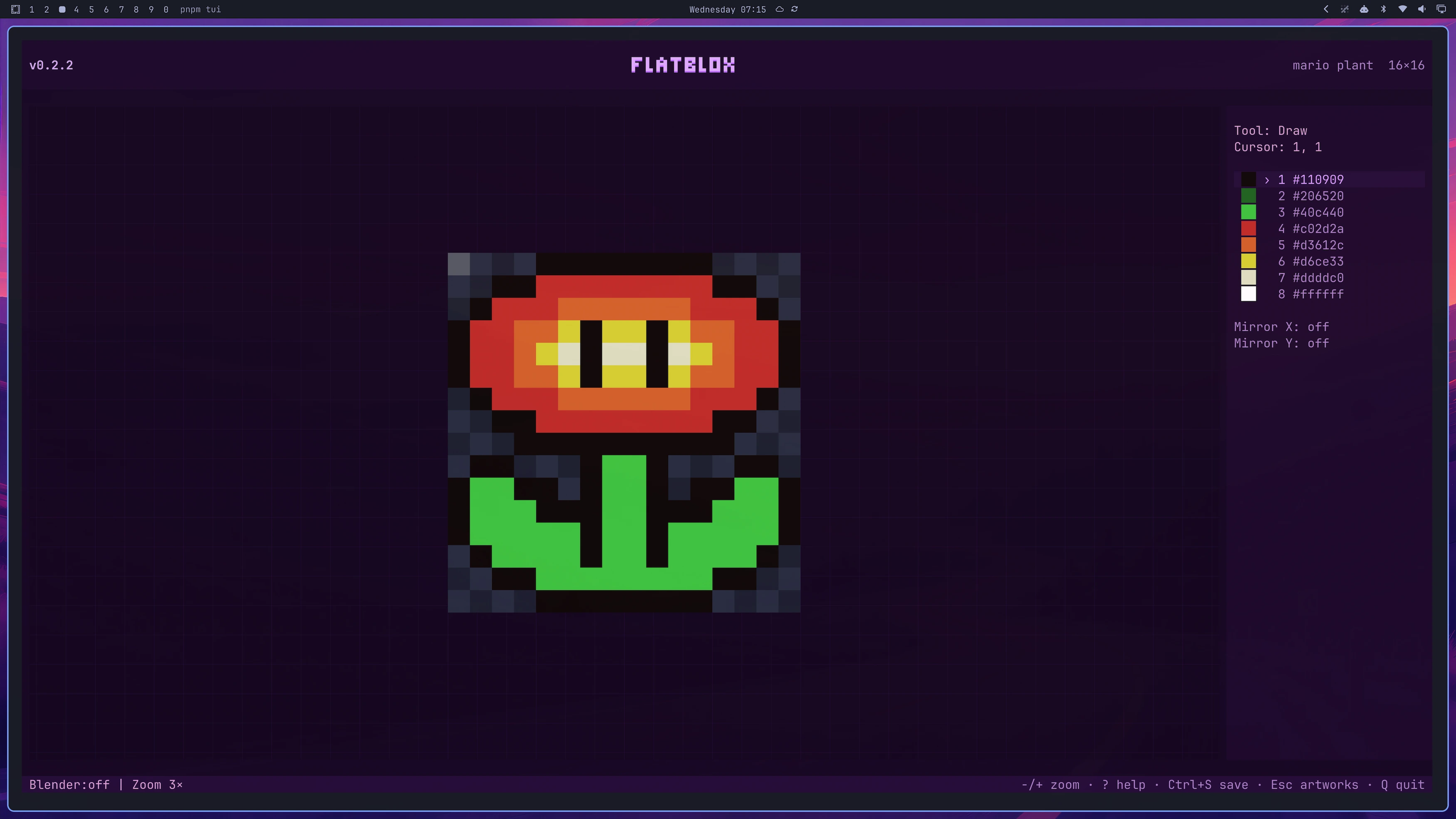
Draw in the Flatblox TUI. Watch it build in Blender.
Stream every pixel you draw, erase or recolor from your terminal into an open Blender scene as you work.
- 1Download the Flatblox Live extension.
- 2In Blender, open Preferences → Get Extensions → Install from Disk.
- 3Enable Flatblox Live, then press B in the Flatblox TUI to start syncing.
Create and customize characters
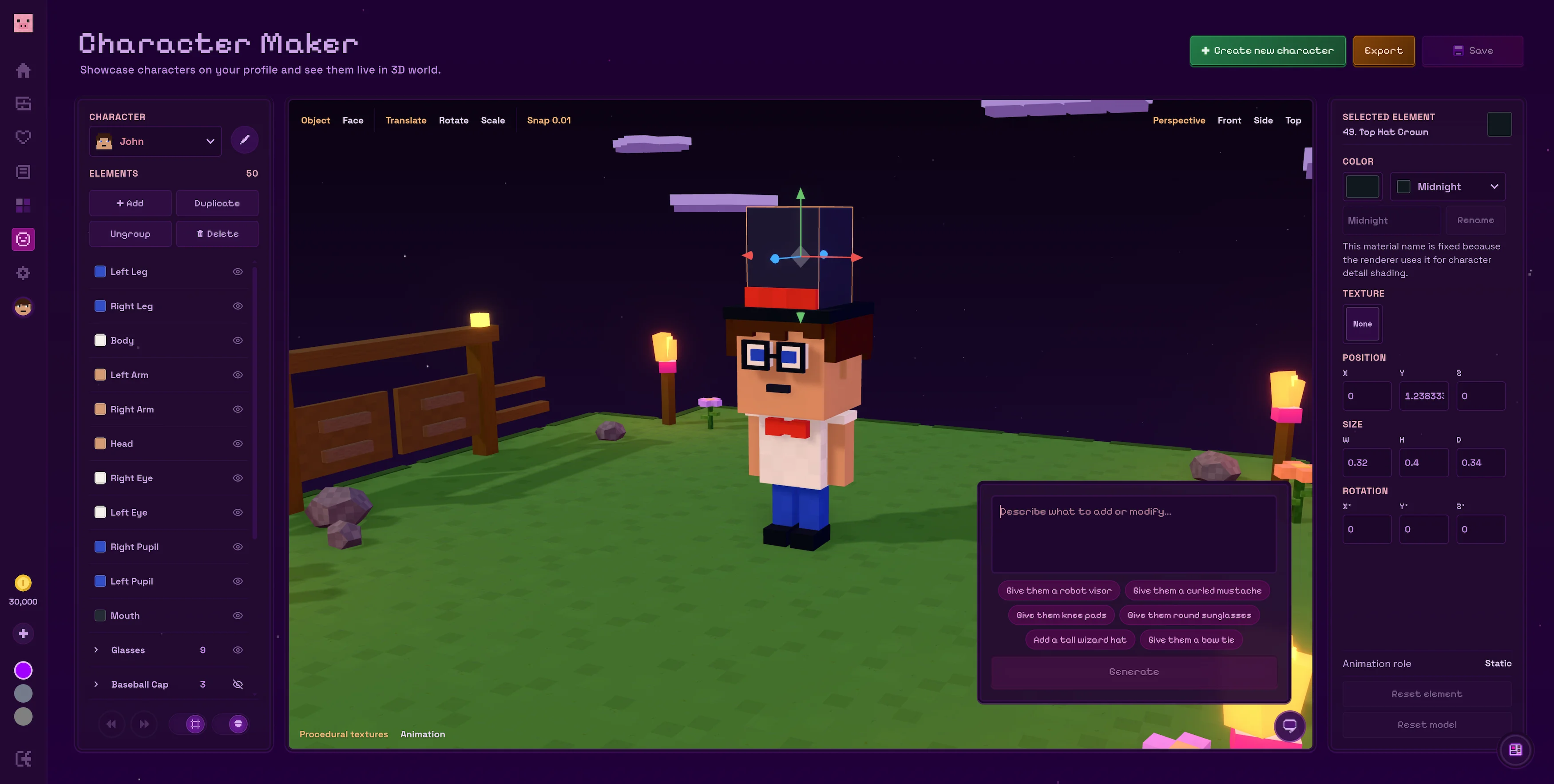
Use AI-assisted chat to create and customize your character, then watch every change come to life in the 3D preview.

Enter your email and we'll send you a link to sign in
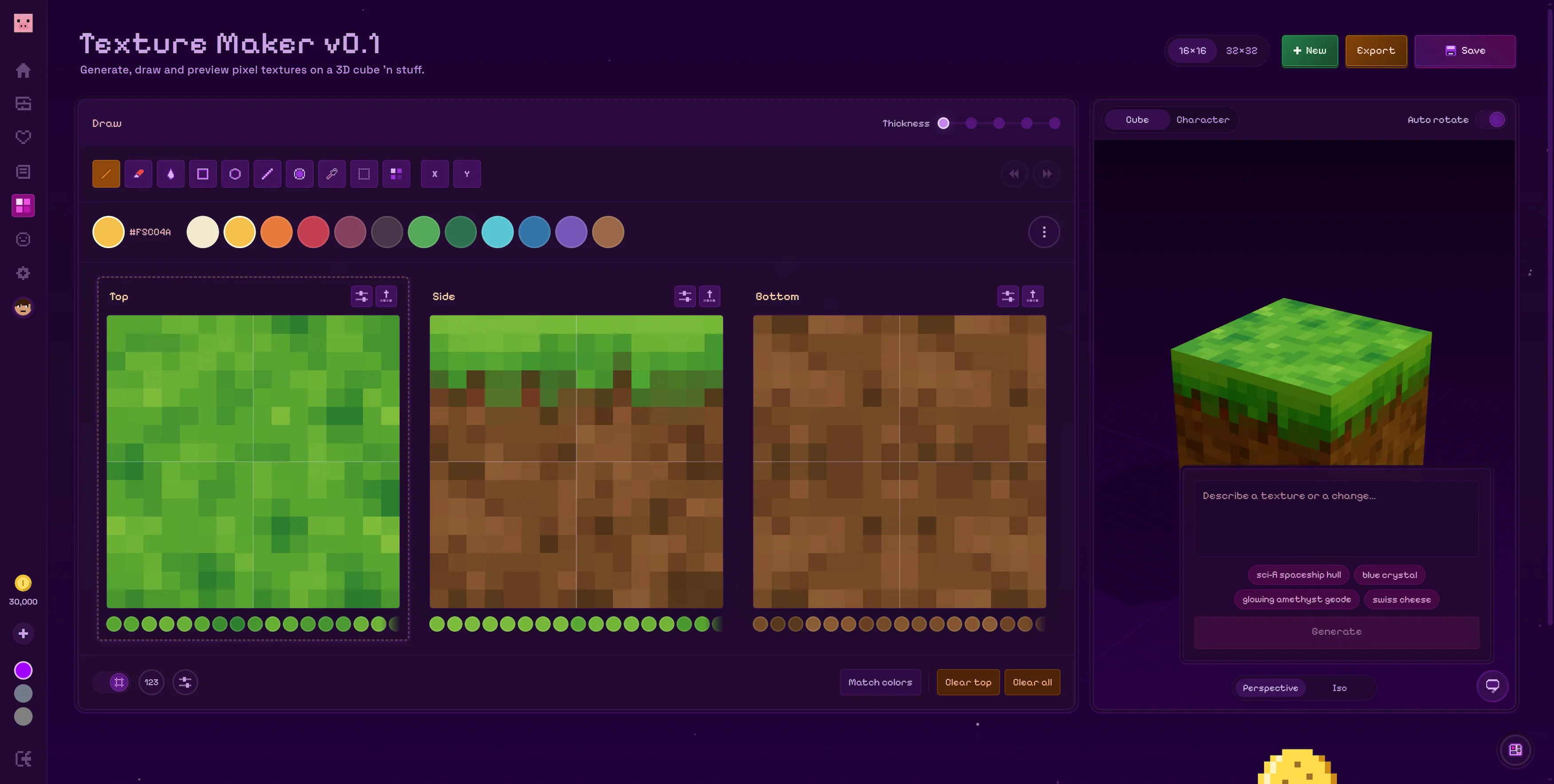
Create block textures with AI-assisted image generation
Design every face, preview your block in 3D and export your textures as a single PNG or a Blender-ready UV map.
Enter your email and we'll send you a link to sign in
Why i built Flatblox
Hi! I'm Nico Pellerin, a software dev from Montreal, Canada. I built Flatblox as a way to easily get started making pixel art. It is not an app meant to replace Aesprite or any other more advanced pixel art tools.
I also wanted a way to quickly visualize pixel art in an isometric 3D form, which i could then export to Blender. The added effects and 3D environment when drawing are meant to make the whole experience a bit more fun!
I hope you enjoy using the app and build cool stuff!